Filmora Mod APK for iOS
Every day, iPhone users search for “Filmora Mod APK for iOS” hoping to get the same unlocked, watermark-free editing experience Android users enjoy. The results are page after page of websites promising a one-tap install — and almost all of them are fake. This guide gives you the honest answer most sites will not: what actually exists for iPhone, the real problems users run into with “iOS mod” apps, and the options that genuinely work.
Can You Download Filmora Mod APK for iOS?
The short answer is no — a real Filmora Mod APK for iOS does not exist, and there is a simple technical reason. APK is the Android app format. iPhones cannot install or run APK files at all; iOS apps use a completely different format called IPA, and every app must be digitally signed by Apple before it will open. That is why every website offering a “Filmora Mod APK iPhone download” is misleading you. There is no modded Filmora build freely circulating for iOS the way there is for Android, because Apple’s signing system makes that kind of distribution nearly impossible to sustain.
Real Problems iPhone Users Face With “Mod” Apps
Even modified iOS apps in general — installed through third-party stores and signing services — come with problems that Android mod users never deal with. These are the issues iPhone users report again and again:
The app suddenly stops opening. A sideloaded app works fine for days, then one morning it refuses to launch. This is a certificate revocation: Apple has cancelled the developer certificate the app was signed with. Because one certificate often signs hundreds of unrelated apps, a single revocation kills all of them at once — including yours.
“Untrusted Enterprise Developer” error. Apps installed through enterprise certificates show this message until the profile is manually trusted in Settings — and after a revocation, trusting it no longer helps.
“Unable to verify app” or “integrity could not be verified.” These errors mean iOS checked the app’s signature and rejected it. The only fix is reinstalling with a new certificate, if one is available.
Apps expire every 7 days. The free-signing method (used by tools like AltStore) signs apps with your own Apple ID. It avoids mass revocations, but the apps expire weekly and must be refreshed from a computer, and you are limited to a few sideloaded apps at a time.
Your projects are trapped inside. When a modded app dies from a revocation, everything saved inside it can become inaccessible. Users regularly lose finished edits this way.
Why Fake Filmora Mod APK iOS Websites Are a Trap
Since no real iOS mod exists, the sites ranking for this search make money in other ways: Survey scams — “Complete one offer to unlock your download” — the download never comes. Fake installers — progress bars and “installing…” animations that end at an ad page. Malicious profiles — some sites ask you to install a configuration profile; a bad profile can route your traffic, install junk apps, or worse. The rule is simple: if a website offers you an APK file for an iPhone, close the tab. The file format alone proves it is fake. For the full picture of mod-related risks, read our breakdown of Filmora Mod APK security risks.
What Actually Works: Your Real Options on iPhone
- The official Filmora app for iOS. Wondershare publishes Filmora on the App Store. The free tier is genuinely usable for basic edits, though exports carry a watermark and advanced tools need a subscription. It is the only stable, always-working Filmora on iPhone.
- Filmora Lite. Wondershare’s lighter iOS app targets quick social videos.
- Use the mod on Android or PC instead. If watermark-free exports with unlocked tools are what you actually need, the practical route is the channel where the mod truly exists: Android, or on a computer through an emulator. Our guide to Filmora Mod APK for PC shows the emulator method step by step. This is what most iPhone owners who edit seriously end up doing.
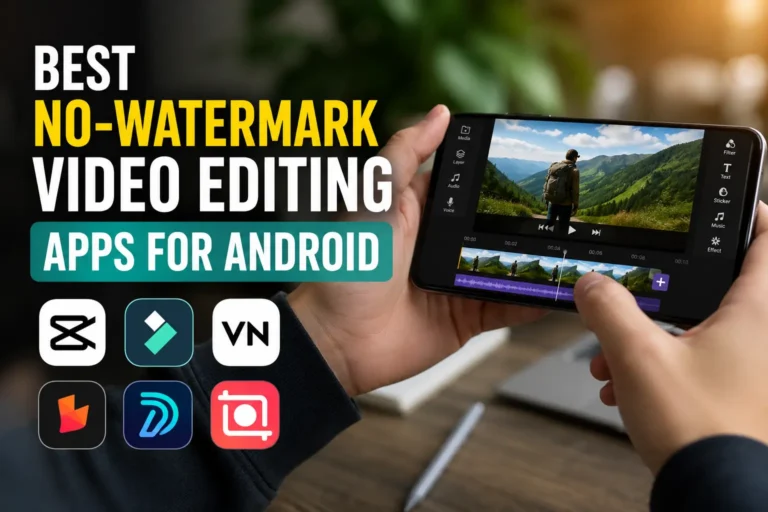
- Free iOS alternatives. VN Video Editor and the iOS version of CapCut both offer strong free tiers without watermarks on most exports.
If You Still Want to Sideload Apps on iPhone
Some users sideload other apps with AltStore, which signs apps using your own Apple ID. Understand the trade-offs: apps must be refreshed every 7 days from a computer on the same Wi-Fi; you can only keep a small number of sideloaded apps active; it works for apps distributed as IPA files — a modded Filmora IPA is not reliably available, and any site claiming otherwise should be treated with suspicion; never enter your main Apple ID password into third-party websites offering “one-click installs”.
Frequently Asked Questions
Why is there a Filmora Mod APK for Android but not for iOS?
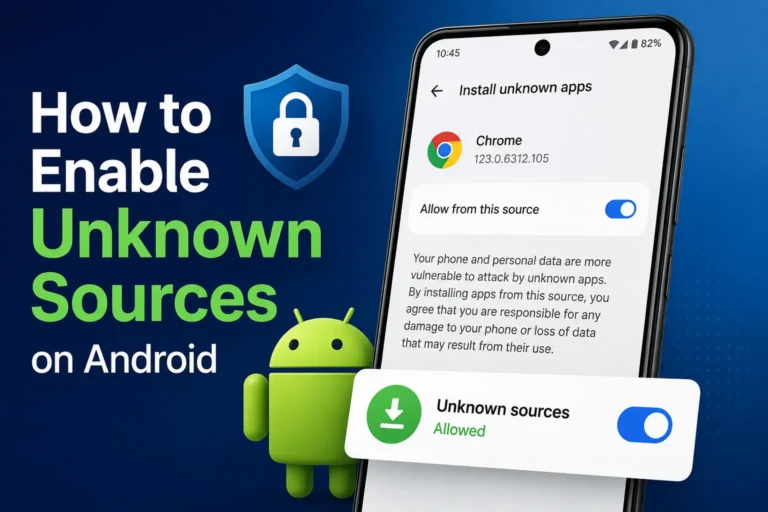
Android allows installing apps from files (APKs) with a simple settings toggle. iOS requires every app to be signed through Apple’s system, so modified apps cannot be shared and installed the same way.
I installed a “Filmora mod” on my iPhone and it stopped working. What happened?
Almost certainly a certificate revocation. Apple cancelled the certificate your app was signed with, which disables the app instantly. There is no fix except reinstalling from a source with a working certificate.
Is jailbreaking the answer?
Jailbreaking removes Apple’s restrictions, but it voids warranties, breaks banking apps, and creates serious security risks. It is not a sensible trade for a video editor.
What is the best free way to edit without a watermark on iPhone?
VN Video Editor’s free tier, or editing in the official Filmora iOS app and finishing the project on Android or PC where watermark-free export is available.
Final Verdict on Filmora Mod APK for iOS
There is no working Filmora Mod APK for iOS, and every download offered for it is fake or will stop working within days due to Apple’s certificate system. iPhone users are better served by the official Filmora app for everyday edits — and by Android or PC for the fully unlocked, watermark-free experience. Do not waste time (or risk your Apple ID) on sites promising otherwise.